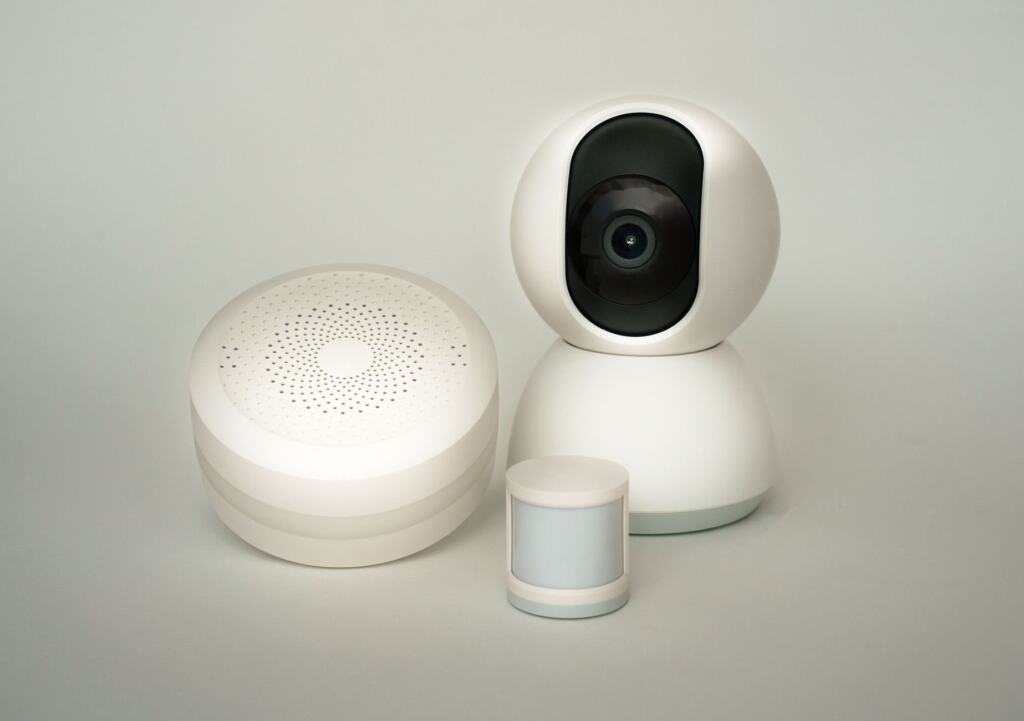
A thermostat controlled remotely is the internet of things explained in miniature: physical devices with sensors collect data and share it over a network. The catch is that every connected device also needs securing.
Data is only one side of connected headsets and wearables. For the physical side, see our answer to is vr bad for you. The sections below correct common misunderstandings about what IoT covers, how it works and where the risks sit.
What the Internet of Things Covers
The Internet of Things (IoT) refers to both the process of connecting physical objects to the internet and the network that links them, as OVHcloud explains. A FusionConnect glossary entry gives a similar definition: a network of physical devices that collect and share data through the internet. The practical test is simple. If an object senses something and passes data across a network, it belongs in the picture, whether or not it is sold as smart.
Three popular assumptions tend to narrow the idea too far. The table sets each against what the definitions support.
| Common assumption | What the definitions support | Planning use |
|---|---|---|
| IoT means smart home gadgets | IoT links anything that can transfer data over a network, so a smart home is one setting among many | Judge any connected object by the data it sends, not by whether it is marketed as smart |
| IoT is the same as machine-to-machine (M2M) | M2M connects two or more devices to each other, while IoT is a network of devices on the internet | Expect IoT products to reach internet services, and therefore to carry internet-facing risks |
| A person must be using the device | Human interaction is optional for a connected object | Check settings at setup, because a device can keep reporting without anyone prompting it |
Scope and the IoT/M2M distinction are drawn from OVHcloud and Sealevel.
The smart home is still the setting most people meet first. OVHcloud describes smart homes as equipped with connected thermostats and boilers and smart lighting systems, all controllable remotely. TechTarget adds that smart home devices are designed to sense and respond to a person’s presence or physical contact. That is why a heating control or a light can react to a room as well as to a button press.
How a Connected Device Works
A connected device senses, processes and sends. The misunderstanding to drop is that the “smart” part lives only in an app or a distant server. Each device carries its own small computer and its own network connection.
Sensors, processor and firmware
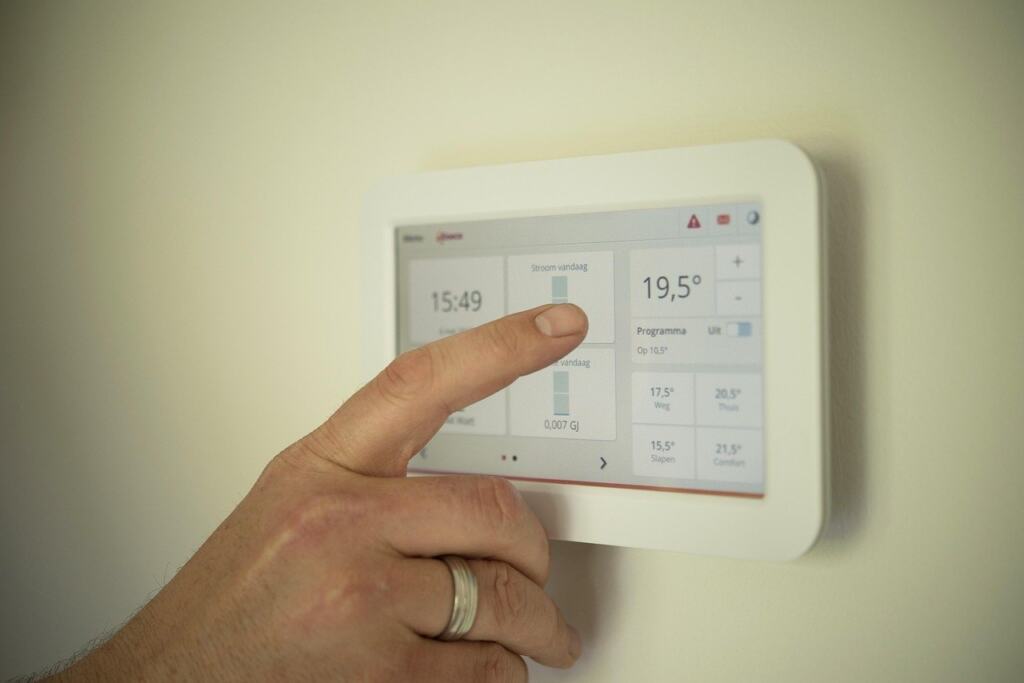
An object connected to IoT can collect data on its environment via sensors, according to OVHcloud. It then uses the data via processors and sends it to one or more recipients. TechTarget notes that these devices typically include an integrated central processing unit, firmware and a network adapter. Firmware matters later, because it is the software layer that needs updating when a weakness is found.
Connecting to the network
In most cases an IoT device connects to a Dynamic Host Configuration Protocol (DHCP) server and acquires an Internet Protocol (IP) address, as TechTarget describes. From there, the choice of link shapes how the device behaves.
- Network links: Wi-Fi, cellular, satellite and Ethernet can all carry IoT traffic. A home product usually relies on the household Wi-Fi, while a device away from any home or office network needs a different route.
- Named wireless protocols: TechTarget lists IPv6, Zigbee, Bluetooth Low Energy and Z-Wave among the wireless protocols used. Products built for one protocol generally need a compatible hub or gateway.
- The trade-off: connectivity options carry trade-offs in power consumption, range and bandwidth. A battery-powered sensor and a camera that streams video make very different demands, so no single link is best for both.
Gateways, edge and cloud
An IoT gateway is a physical device or software application that provides the connection point between devices and the cloud. TechTarget compares its role to a router, and it supports two-way traffic. Once configured, however, most of a device’s traffic is outbound: security cameras stream video and industrial sensors stream data.
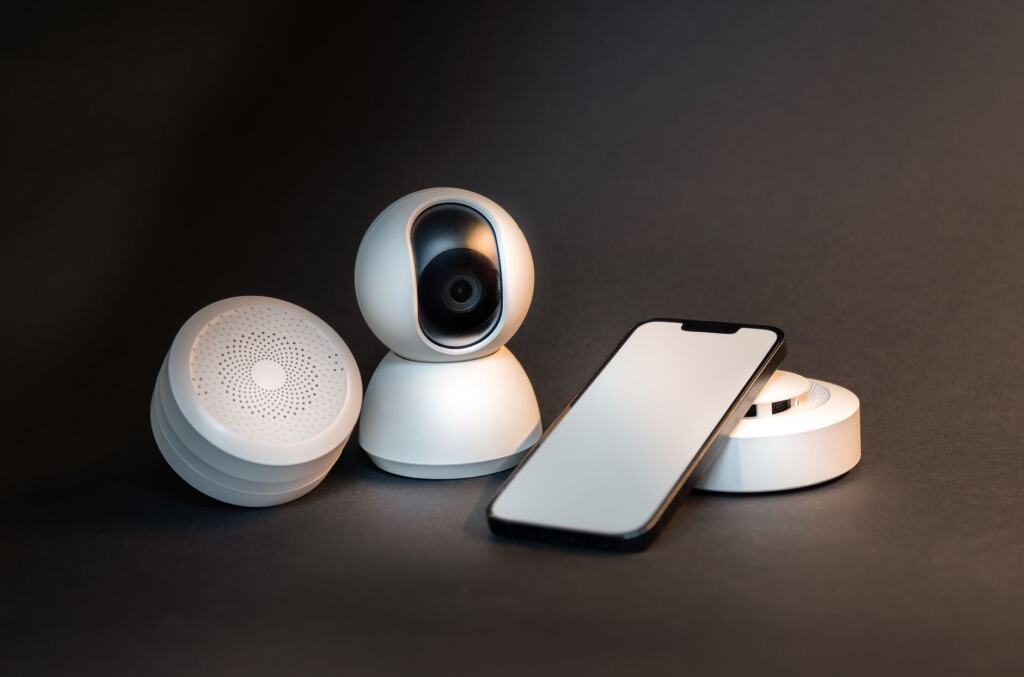
Analysis can then happen in two places. According to FusionConnect, data is analysed either locally (edge computing) or in cloud-based platforms. For a buyer, the useful consequence is that the product’s design decides how far your data travels before anyone sees a result.
Headsets, Wearables and Sensor Data
A headset is not just a screen, and a wearable is not just a watch. TechTarget counts wearables, smart speakers, smart TVs and toys as consumer IoT devices. OVHcloud includes portable health and sports equipment with sensors, such as glucose meters and heart rate monitors.
A headset is not usually named in those lists, but the definition applies to it directly. If a headset carries sensors and a network connection, it collects data about its surroundings and passes it onward, which is what makes any connected object part of IoT. This is a judgement from the definitions, not a claim about any one product.
The privacy question follows from the way these devices behave. Because most of a connected device’s traffic is outbound once it is operating, a headset or wearable is mainly a sender of data, so the useful questions are about where that data goes:
- Where is it analysed? Local processing and cloud platforms are different routes, and a product’s documentation should say which it uses.
- Who receives it? A connected object may send data to one or more recipients, so look for the vendor’s own account of who they are.
- How is it protected on the way? Unencrypted transmission is one of the weaknesses named in the next section.
Comfort problems such as vr motion sickness are physical rather than data matters, and they have a separate guide.
Risks of IoT Devices
The main risk is that a connected device is a computer on your network that someone may try to reach. FusionConnect states that connected devices can be targets for cyberattacks if not properly secured. TechTarget lists security alongside interoperability, power, scalability and availability among the challenges that can hinder an IoT deployment.
- Weak entry points: weak authentication, outdated firmware or unencrypted data transmission can create entry points for attackers, as FusionConnect sets out.
- Updates left to the owner: OVHcloud observes that it is often the user’s responsibility to update IoT devices, and updates patch security vulnerabilities. A device that is never updated keeps whatever flaws it shipped with.
- Privacy exposure: because sensors collect data about their environment and send it onward, a poorly secured device can put that data at risk. Security and privacy are the same problem here.
- Interoperability and availability: devices that cannot work together, or that lose their connection, limit what the system can do. This matters more for set-ups that depend on several makers’ products.
Practical Checks Before You Connect Something
The risks above point to a short set of checks that suit any household, from a first smart plug to a family’s headsets and wearables.
- Look for an update route. Since updating often falls to the user, prefer products where you can see how firmware updates arrive and keep them current.
- Use strong authentication. Weak authentication is a named entry point, so choose a strong, unique credential for the account that controls the device.
- Prefer encrypted connections. If a vendor’s documentation does not address encryption, treat that as a reason to look at alternatives.
- Ask whether it needs to be connected. A device that works well without a network link has less to expose.
Households with children who use connected toys, wearables or headsets can pair these checks with Screen Time Rules For Kids: Practical, Age‑Friendly Limits Parents Can Use In 2026 – Viarama for practical limits on use.
Frequently asked questions
| Question | Answer |
|---|---|
| When was the term Internet of Things coined? | Kevin Ashton coined it in 1999 while explaining RFID, according to Sealevel. |
| Does an IoT device have to use Wi-Fi? | No. Wi-Fi is one option among several, and the better choice depends on the device’s needs for power, range and bandwidth. |
| Are smart speakers and wearables really IoT? | Yes. TechTarget lists smart speakers and wearables among consumer IoT devices. |