A visitor passes a touchscreen, a projection wall and a display case, and only one holds their attention. Interactive museum exhibits are those where visitors engage directly through touchscreens, VR or AR, and the design decides whether they stay.
This guide sits within our wider look at immersive experiences uk. It focuses on the choices made inside the gallery: what to build, which technology fits, how to include everyone and how to judge the result.
What interactive museum exhibits actually are
According to ResourceSpace’s guide to interactive museum exhibits, an interactive museum is a space where visitors engage directly with exhibits, often using touchscreens, VR or AR. The word describes what the visitor does, not the hardware on the wall. An interactive display case that lets visitors rotate, scroll and inspect objects normally kept out of reach counts. So does a fabricated hands-on installation, such as the specialty exhibits Creative Machines says it designs, prototypes, fabricates and installs for children’s museums and science centres.
Most weak briefs start from a misunderstanding about what makes an exhibit interactive. The table below sets four common assumptions against what holds up.
| Common assumption | What holds up | Planning use |
|---|---|---|
| Interactive means a screen | Visitors engage directly with exhibits; interactive display cases let them rotate, scroll and inspect objects | Ask what the visitor does to the object before choosing hardware |
| The newest technology is the safest bet | Implementing VR at scale is still high cost, while touchscreens present large amounts of information, images or maps in a small space | Keep VR for a flagship moment and use screens for dense content |
| Accessibility can be added later | Audio narration, enlarged text, touch-free interaction and multi-language options make exhibitions more inclusive | Specify these features at concept stage so they shape the build |
| One interaction suits every visitor | Interactive technologies can accommodate different learning styles, physical abilities and language preferences | Offer more than one route into the same content |
Wording and examples in the table follow ResourceSpace’s overview of interactive exhibits.
Technology behind interactive exhibits
The right technology is the one that does the job the exhibit needs, not the one that looks most impressive in a brochure. Each option below suits a different kind of content.
Touchscreens and touch tables
ResourceSpace describes touchscreens as still one of the most effective ways to engage visitors and present large amounts of information. They suit collection data, maps and image archives where space on the wall is limited. A touch table changes the social dynamic. Exhibit Interactives lists a large, multi-user touch table in Tallahassee, FL, that lets visitors explore, sort, move and enlarge content. This is a US example, but the principle carries over. Choose a shared surface when you want a family or school group to work together rather than queue for one screen.
AR layered over the gallery
AR uses digital text, images or animations to enhance a visitor’s physical environment, and the real object stays in view. That makes it a good fit when an artefact needs context but should not be hidden behind a screen. It is a poor fit when the gallery is crowded or when the object is so plain that the overlay becomes the only thing worth looking at.
Projection mapping and responsive light
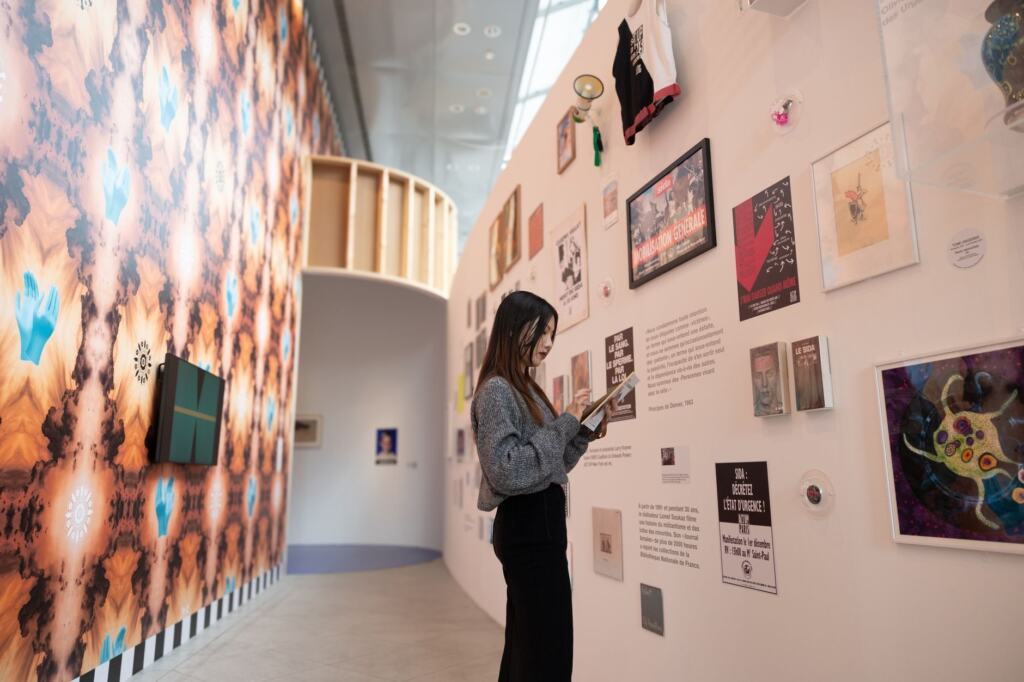
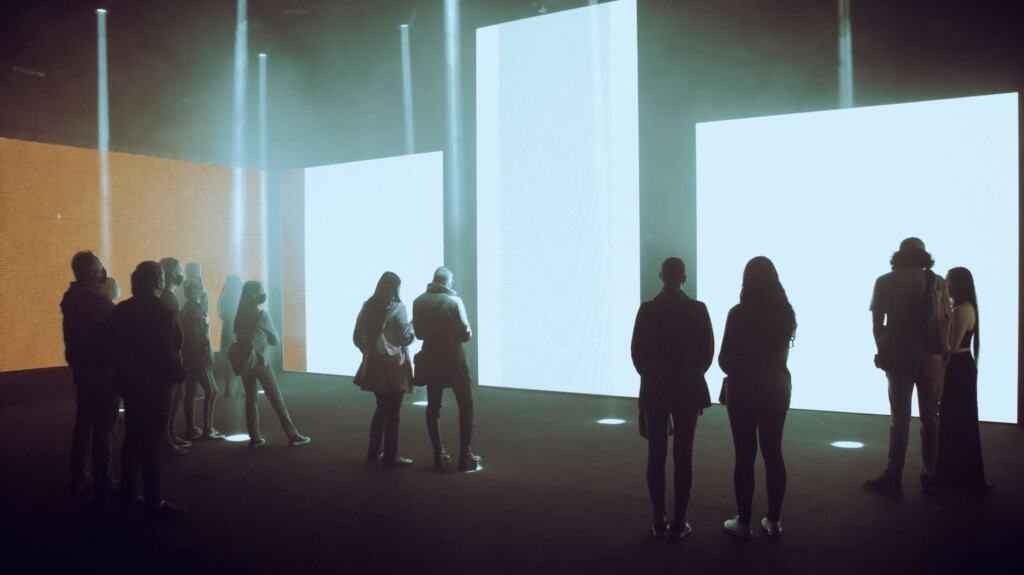
Projection mapping transforms museum content by projecting dynamic images and video onto exhibits and artefacts. Tiqets describes a responsive version at the ArtScience Museum in Singapore, where large projections of natural environments respond to the movements of visitors. The same venue has an interstellar installation formed by over 170,000 LED lights that also reacts to visitors, according to the Tiqets interactive museum round-up. The same round-up describes an aquarium-style exhibit where visitor drawings are scanned and projected so they appear to swim. It is a useful model for child-led work: the visitor makes the content, so the visitor cares about the result.
Projection suits darkened or controllable rooms and rewards groups standing back to watch. For the technique itself, see 3D Projection Mapping: How It Works, Real-World Uses, and How To Start In 2026 – Viarama.
VR and the UK example
The UK example in the evidence is the Victoria and Albert Museum (V&A), which launched Alice: Curiouser and Curiouser, a VR exhibition. It shows what a major museum can do with immersive storytelling. It also comes with a caution: ResourceSpace notes that the cost of implementing VR in museums at scale is still high. For most galleries, VR works best as a limited, scheduled feature rather than the backbone of the visit.
Teams planning temporary events rather than permanent galleries may also want the guide to 360 Video Booths: The Ultimate Guide To Creating Shareable, Immersive Event Content In 2026 – Viarama, a related format built around shareable content.
Building accessibility into the interaction
Accessibility works best as part of the first sketch, not a retrofit. ResourceSpace lists features that make interactive exhibitions more inclusive, and each one addresses a different barrier:
- Audio narration: gives visitors an alternative to reading on-screen text, so the content does not depend on one sense.
- Enlarged text: keeps written content usable for visitors who struggle with small type, and costs little to design in from the start.
- Touch-free interaction: offers a route through the exhibit for visitors who cannot or prefer not to use a touch surface.
- Multi-language options: lets visitors choose the language they are most comfortable in.
The practical test is whether a visitor who needs one of these features can reach the same core idea as everyone else. If the accessible route delivers a thinner version of the exhibit, the design is not finished.
Design principles that keep visitors engaged
Good exhibits give visitors control. ResourceSpace notes that visitors can explore at their own pace and revisit areas of interest, which is a clear advantage over a fixed label or a timed film. Three design habits follow from that.
- Start from a visitor outcome: Creative Machines states its mission as exhibits that spark curiosity, encourage social interaction and inspire self-confidence. Writing the intended outcome in those terms keeps the build honest about why the interaction exists.
- Prototype before fabrication: the vendor’s own process runs from design through prototyping to fabrication and installation, and the prototype stage is where confusing instructions and awkward controls show up cheaply.
- Let visitors contribute: the drawing-and-projection model described above turns a passive viewer into an author, which tends to suit family groups.
Avoid stacking effects for their own sake. If a visitor cannot say what they did and what happened as a result, adding more light or sound will not fix it.
How museums measure exhibit success
Venue-reported figures are a starting point, not proof of learning. The Arte Museum New York site states that it is backed by 13 million visitors and shows a 4.9 out of 5 rating alongside a visitor comment, as published on the venue’s own website. Both are self-reported marketing figures. A visitor total shows reach, and a rating shows sentiment. Neither tells a museum whether a particular exhibit taught anything or held attention.
For a single interactive exhibit, pair a headline figure with measures tied to the goal you set at the start. Useful questions include whether visitors complete the main task, how long they stay with the piece and whether they come back to it. Decide these measures in the brief and build in the means to capture them, then compare them against what visitors say in short feedback. A strong rating with low task completion points to an exhibit that is pleasant but unclear. High completion with little sentiment suggests the content needs more reward.
Frequently asked questions
| Question | Answer |
|---|---|
| Do AR exhibits need a headset? | No. AR is often delivered through a mobile app, although virtual reality headsets can also be used for AR experiences, according to ResourceSpace. |
| What can holograms do in a museum? | Holograms can be used to show how ancient tools or weapons would have been used, giving visitors a sense of action that a static case cannot. |
| Are interactive exhibits only for museums? | No. Creative Machines says it designs and installs interactive exhibits for children’s museums, science centres, libraries and hospitals. |
| Which technology suits a small budget? | Touchscreens and interactive display cases are the lower-risk options in the evidence, since VR at scale is still high cost. Match the choice to the content, not to the novelty. |