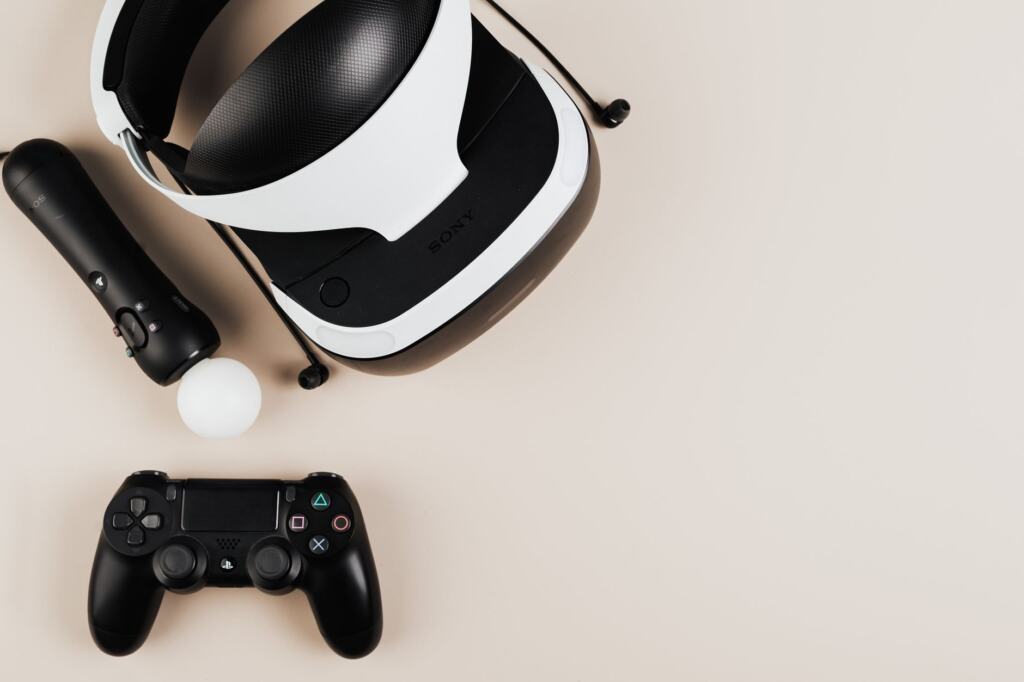
What is a virtual reality headset? It is a head-mounted display that replaces your real surroundings with an interactive 3D environment and tracks your head movement. Some models run on their own, while others can also use a PC.
Once the basics are clear, our guide to the best vr headset uk choices turns them into a shortlist.
How a headset builds a virtual world
A VR headset fully replaces what you see with a computer-generated scene. Unity’s VR glossary describes virtual reality as technology that replaces a user’s real-world surroundings, most often through a head-mounted display (HMD). Three working parts turn that idea into an experience, and each one depends on the one before it.
- Stereoscopic display. The HMD provides stereoscopic visuals that extend into the periphery of natural vision. The scene therefore fills your field of view instead of sitting inside a rectangle in front of you.
- Real-time head tracking. The headset tracks head movement in real time, so the view turns when you turn. This is what separates a headset from a screen strapped to your face.
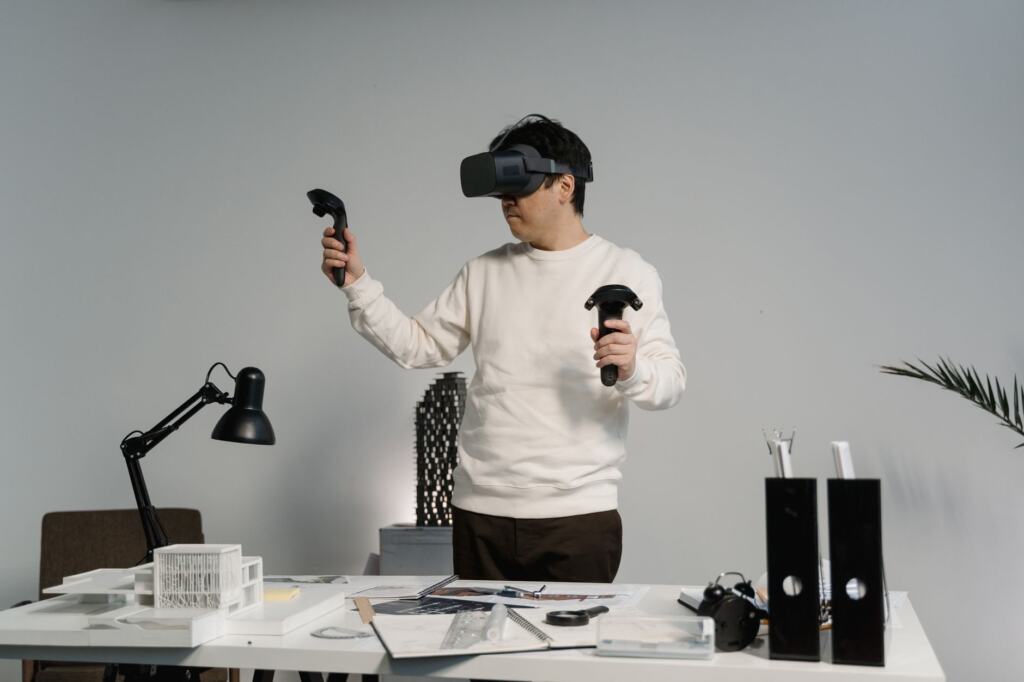
- Controllers and positional tracking. Motion controllers and positional tracking let you interact with the virtual environment and move through it, rather than only look around.
The practical result is that a headset is judged on how convincingly it handles all three together. A sharp display with weak tracking still feels like watching a video, and good tracking on a poor display still feels like a prototype.
VR compared with AR
Virtual reality replaces your surroundings, whereas augmented reality overlays digital content on top of the real world, typically through a smartphone or AR glasses, according to the same Unity glossary. If you want the overlay approach, How To Use Augmented Reality: A Practical Guide To Getting Started In 2026 – Viarama covers getting started, and How AR Glasses Work: Inside The Technology Powering Augmented Reality In 2026 – Viarama explains the hardware behind glasses. A headset is the better route when you want to be fully absorbed in a scene rather than see it laid over your room.
Headset types: standalone and PC-linked
The most useful split for a beginner is whether the headset carries its own computing or borrows a PC’s. Two current headsets show both sides: the Meta Quest 3 and the Apple Vision Pro.
Standalone headsets
A standalone headset runs software on the device itself, so you put it on and play. vr.org’s comparison lists the Quest 3 as standalone with no battery pack. The Vision Pro is also standalone, but it uses a tethered battery, so a cable runs from the headset to a pack. For short sessions that difference is minor. For long ones, it affects how you move and how you plan your time.
Do you need a PC for VR?
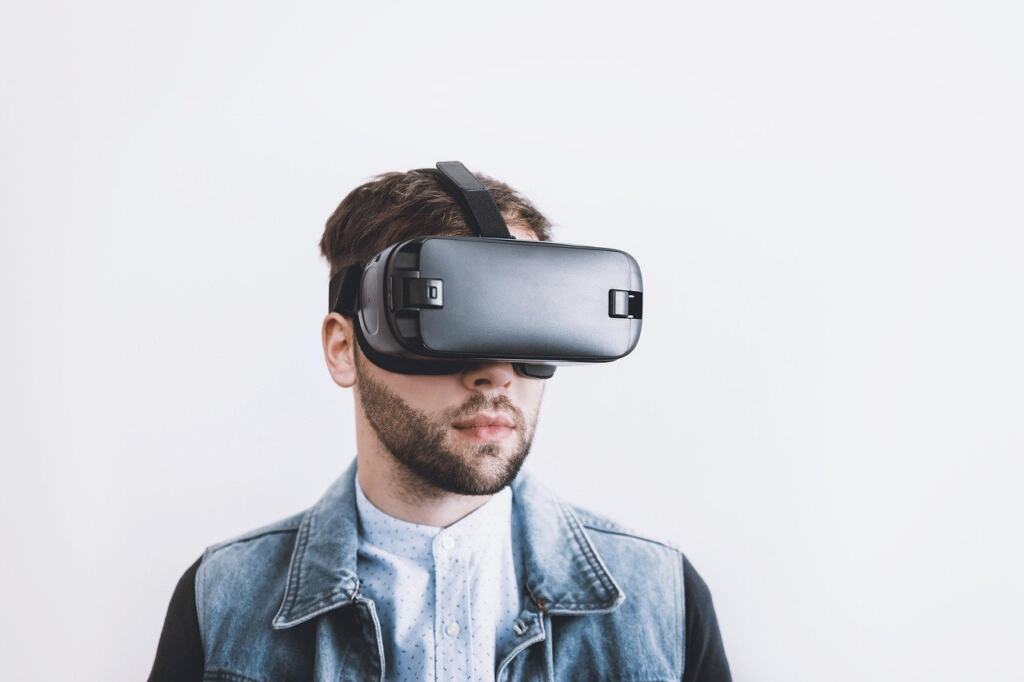
No. A standalone headset does not need a PC, and a PC only widens what you can run. The Quest 3 supports PC VR through Link or Air Link, so it works on its own and can also use a computer’s power. The Vision Pro has no official PC VR support; the free ALVR app streams SteamVR over Wi-Fi, but that is an unofficial workaround. If playing PC VR titles matters to you, the Quest 3 is the safer choice on this evidence, as vr.org sets out.
Meta Quest 3 and Apple Vision Pro compared
Putting the two side by side shows what extra money buys and what it does not. The table below is built for planning, not for ranking.
| Feature | Meta Quest 3 | Apple Vision Pro | Planning use |
|---|---|---|---|
| Display | Dual LCD panels | Dual micro-OLED panels | Expect a clearly sharper image on the Vision Pro |
| Total pixels | About 9.1 million | About 23 million | Matters most for text and fine detail |
| Main chip | Snapdragon XR2 Gen 2 | Apple M5 + R1 co-processor | Different chip families, so judge by the apps you want |
| Memory | 8GB RAM | Not publicly stated | No like-for-like RAM comparison is possible |
| Refresh rates | 72, 80, 90 and 120 Hz | 90, 96 and up to 120 Hz | Both reach 120 Hz in the top mode |
| Controllers | Touch Plus controllers included | None; hand and eye input only | Budget for controllers if your apps need them |
| PC VR | Yes, via Link or Air Link | No official PC VR | Choose the Quest 3 for PC VR |
| Form | Standalone, no battery pack | Standalone with tethered battery | Affects freedom of movement |
| Price on maker’s store (USD) | $599.99 | From $3,699 (256GB) | Convert and check UK listings before buying |
Figures are drawn from vr.org’s Quest 3 and Vision Pro comparison and Tech Insider’s head-to-head.
The Quest 3 resolution is about 2064 x 2208 per eye, according to vr.org, which calls its LCD panels sharp for the price but clearly lower resolution than the Vision Pro’s. That is a fair summary of the trade: the Vision Pro wins on display detail, while the Quest 3 wins on price, included controllers and PC VR support.
What people use VR for
Gaming is the best-known use, but Unity notes that VR today spans architectural visualization, medical training, industrial simulation and therapeutic applications as well. The breadth matters when you buy, because the headset is only as useful as the software for your task.
- Games and entertainment. Controller-based input suits this, which favours a headset that ships with controllers.
- Design and visualisation. Display sharpness is the main thing to weigh here, because fine detail is the point of reviewing a model.
- Training and simulation. Check that the training software supports your headset’s input method, whether controllers or hand tracking.
Before spending, name the one or two apps you actually want and confirm they support the headset you are considering.
Choosing a headset in the UK
For most first-time buyers, the Quest 3 is the sensible starting point. You can buy six Quest 3 headsets for the price of one Vision Pro, it ships with controllers, it needs no battery pack, and it can reach PC VR if you later want it. That ratio is an argument for caution: the Vision Pro is worth considering only if display quality is your priority and you accept a much higher outlay.
- Input. The Quest 3 includes Touch Plus controllers. The Vision Pro relies on hand and eye input, so controllers are an additional purchase.
- Battery. A tethered pack on the Vision Pro makes battery life a planning item for long sessions; the Quest 3 has no separate pack.
- PC plans. Choose the Quest 3 if PC VR is on your list, since the Vision Pro has no official support for it.
- Currency. The figures on record are in US dollars. UK pound prices are set by individual retailers, so compare current UK listings, including delivery and any bundled accessories, before you commit.
Frequently asked questions
How much does a VR headset cost in the UK?
UK pound prices vary by retailer, so check current UK listings. For reference, vr.org gives US prices of $599.99 for the Quest 3, and for the Vision Pro $3,699 (256GB), $3,899 (512GB) and $4,199 (1TB).
Does the Apple Vision Pro come with controllers?
No. It includes none and uses hand and eye input only, per Tech Insider. If you want controllers, PS VR2 Sense controllers are sold separately at $249.95, according to vr.org.
How long does the Apple Vision Pro battery last?
Up to 2.5 hours of general use, according to Tech Insider. Real sessions depend on what you run on the headset.