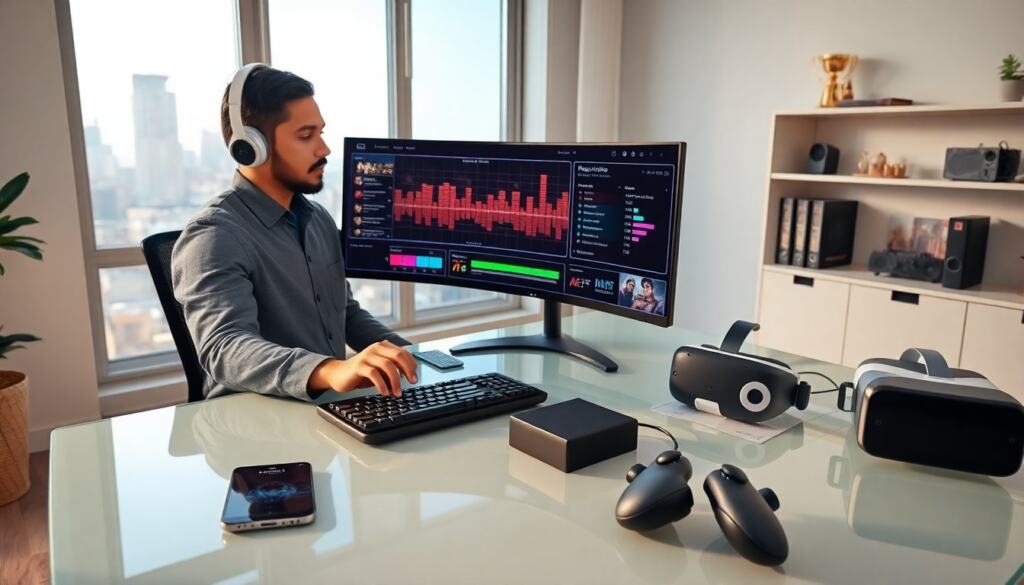
Rhythm games online place beats on a screen and ask players to match them. They test timing, reflex, and pattern memory. This guide explains how rhythm games online work and which titles and communities players should try. It also gives clear practice steps so players improve timing and score faster.
Key Takeaways
- Rhythm games online test timing and reflex by requiring players to match beats with precise inputs across various platforms like PC, mobile, and VR.
- Popular rhythm games online, such as Osu!, StepMania, Cytus II, and Beat Saber, offer diverse gameplay styles and active communities for casual and competitive players alike.
- Calibration and latency testing are essential for accurate timing in rhythm games online, enhancing player performance and enjoyment.
- Consistent practice with tailored goals, including warm-ups, slow-speed drills, and reviewing gameplay, helps players improve timing and score faster in rhythm games online.
- Joining dedicated communities and participating in tournaments or ranked modes can accelerate skill development and keep players motivated.
- Using specialized hardware and managing practice intensity supports competitive success and reduces fatigue in rhythm games online.
How Rhythm Games Online Work: Core Mechanics, Genres, And Platforms
Rhythm games online present visual cues that align with music. Players press keys, tap screens, or move controllers when cues reach a target. The game scores each hit by timing accuracy. Hits usually rate as perfect, good, or miss. Some games track combo streaks. Games reward long combos with score multipliers.
Genres split by input and goal. Tap-based games focus on single-finger timing. Step-based games use multiple keys and simulate dance pads. Instrument-sim games let players play virtual guitars, drums, or vocals. Freestyle rhythm games let players improvise while the system scores musicality. Competitive rhythm games emphasize precision and leaderboard rank.
Platforms include web browsers, mobile apps, and dedicated consoles. Browser-based rhythm games run on HTML5 or WebAssembly. Mobile rhythm games use touch input and haptic feedback. Console and PC titles support controllers and keyboards. Cloud streaming now lets players run high-end rhythm titles on low-power devices.
Online features shape the experience. Leaderboards let players compare scores globally. Matchmaking pairs players by skill for live versus modes. Social features allow players to form crews or clubs. Mods and custom song editors let communities add content. Developers release song packs and seasonal events to keep players active.
They should check latency before competitive play. Lower latency gives more accurate timing. Players can test latency with practice songs or system tools. Many rhythm games online include calibration settings. Players can adjust audio offset and input delay to align the beats and hits.
Popular Titles And Communities To Try Today (Casual To Competitive)
Osu. remains a top community-driven rhythm games online title for precision and custom songs. It runs on PC and has a large map repository. Players can download user-made beatmaps and join score races. StepMania and its forks give players arcade-style step charts and home setup guides. They let players use dance pads and compete in local or online events.
Mobile options include Cytus II and Arcaea. Both offer curated song lists and ranked modes. They focus on touch timing and layered rhythms. Beat Saber dominates VR rhythm games online. It uses motion controllers and physical movement. Players slash blocks to music and compete for leaderboard spots. New DLC and custom song tools keep its community active.
Rhythm games online also include competitive scenes. Taiko no Tatsujin has tournament circuits in some regions. Competitive Osu. tournaments run online with tournament brackets and streaming. Speedrunners and score chasers use leaderboards to measure skill. Streaming platforms host rhythm game marathons and charity events. These streams introduce viewers to new songs and player styles.
Communities form on forums, discords, and reddit. They share beatmaps, calibration tips, and event schedules. New players can find mentors in these spaces. Communities rank players, host tournaments, and run cooperative playlists. Players should join a community that matches their goals. Casual players will prefer friendly servers. Competitive players will look for ranked ladders and active admins.
How To Get Started: Controls, Practice Tips, And Improving Your Timing
Players should pick one rhythm games online title to start. They should learn basic controls first. For tap-based games they should practice single-finger timing. For multi-key games they should map keys to comfortable positions. For VR and motion games they should clear space and test controller tracking.
Players should use calibration tools before serious practice. They should play a few test songs and adjust audio offset until hits align with beats. They should lower input delay if the system allows. They should test network settings for online play to reduce lag.
Practice tips help timing. Players should warm up on easy songs. They should repeat short sections to build muscle memory. Slow practice at a lower speed helps players internalize patterns. Players should focus on consistent hits over perfect scores during early sessions. They should use metronome modes if the game offers them.
Players should track progress with small goals. They should aim to clear one harder note pattern per week. They should record runs to review mistakes. Watching high-level players helps players learn hand positions and rhythm patterns. Players should rest after long sessions to avoid fatigue and keep reaction time sharp.
For competitive play players should refine accuracy and combo retention. They should practice under pressure by joining ranked matches or time-limited events. They should tune hardware, such as low-latency monitors or mechanical keyboards, when possible. They should avoid overtraining and keep practice focused on weak areas.