| Decision | Supported value | Planning use |
|---|---|---|
| Projector brightness for a home or small object | 3,000–5,000 lumens in a dark room | Use this as the shopping range for a living room, a small event or a sculpture. Go higher only if the room cannot be darkened. |
| Buying a small indoor object-mapping projector | $1,500–$6,000 buy per unit | Set the ceiling for a purchase before comparing models. |
| Renting the same tier | $150–$400 per day | Suits a one-off party or a trial before you commit. |
| Brightness versus cost | A 10,000-lumen projector costs roughly 3–5× a 5,000-lumen one | Extra lumens are the fastest way to overspend. |
| Light source life | Laser about 20,000 hours; lamps about 2,000–10,000 hours at full power | Laser suits frequent use. A lamp is fine for occasional shows. |
| Edge blending in Resolume | Available in Arena, not Avenue | Matters only if you plan to join several projectors into one image. |
Figures above come from the Utsubo projection mapping cost and equipment guide, a secondary industry source, so treat them as planning ranges rather than quotes.
Projection mapping at home works with a projector of about 3,000–5,000 lumens in a dark room, a flat blank wall to start with, and mapping software that fits the image to the surface.
Home mapping is the small-scale end of the wider immersive experiences uk scene. The same logic applies, just with a smaller budget and a simpler surface.
What brightness and price mean for your budget
Brightness is the main cost decision in a home setup. Utsubo’s cost guide calls lumens the single biggest hardware cost driver, and puts a 10,000-lumen projector at roughly 3–5× the price of a 5,000-lumen one. For a living room or a small sculpture in a darkened room, paying for more light than the 3,000–5,000 lumen range buys very little.
The same guide prices a small indoor object-mapping projector at $1,500–$6,000 to buy or $150–$400 per day to rent. For scale, it puts a one-night event facade at $15,000–$50,000, which is a different job from anything done in a house.
- Rent first if the show is a one-off. A party or a seasonal display does not need a purchase, and a rental lets you learn what brightness your room really demands.
- Buy if you will remap often. Repeated use favours owning, and the same guide suggests a laser projector if it will run often.
- Test with what you already own. Utsubo notes that any projector that takes a video signal can map a small object in a dark room. The limits are lens shift, lamp fade and no weather rating.
Choosing a projector
Pick the projector for your room and surface, not for the biggest number on the box. Three specifications decide most outcomes at home.
Brightness and room light
Lumens measure the total amount of visible light from a source, and projector brightness is rated in ANSI lumens, as Lightform explains. Lightform, a vendor that has since stopped supporting its products, advised at least 3,000 lumens for a single-story house and more than 5,000 for larger homes. Those figures are for house exteriors, so indoors you can usually sit at the lower end if the room is dark.
Surface colour shifts the target. Utsubo points out that dark or textured surfaces reflect less light than a white wall, so a dark object needs more brightness than a pale one to look equally vivid.
Throw ratio and lens shift
Throw ratio is the projector-to-surface distance divided by the image width, according to both Lightform and Utsubo. Check it against the real distance between your mount point and the wall before you buy. It tells you how big the image will be from where the projector can actually sit.
Lens shift is the other trap. Utsubo warns that budget projectors often lack optical lens shift, so you fall back on keystone correction, which costs resolution. If your projector must sit off-centre, spend on lens shift before spending on extra lumens.
Lamp or laser
Lamps cost $300–$2,000 to replace and last roughly 2,000–10,000 hours at full power, while laser sources offer about 20,000 hours of stable brightness with near-zero maintenance, per Utsubo. An occasional home user will rarely reach those lamp hours, so laser pays off mainly for a projector left running regularly.
Surfaces that work best
A flat, blank wall is the easiest surface, and complex shapes demand more correction. The surface you choose sets how much software work follows.
Flat walls first
AV Alliance notes that it is quite easy to project an image onto a flat surface such as a screen or a blank wall. Start there to confirm your projector, cables and playback chain all work before you attempt anything with depth.
Objects and awkward shapes
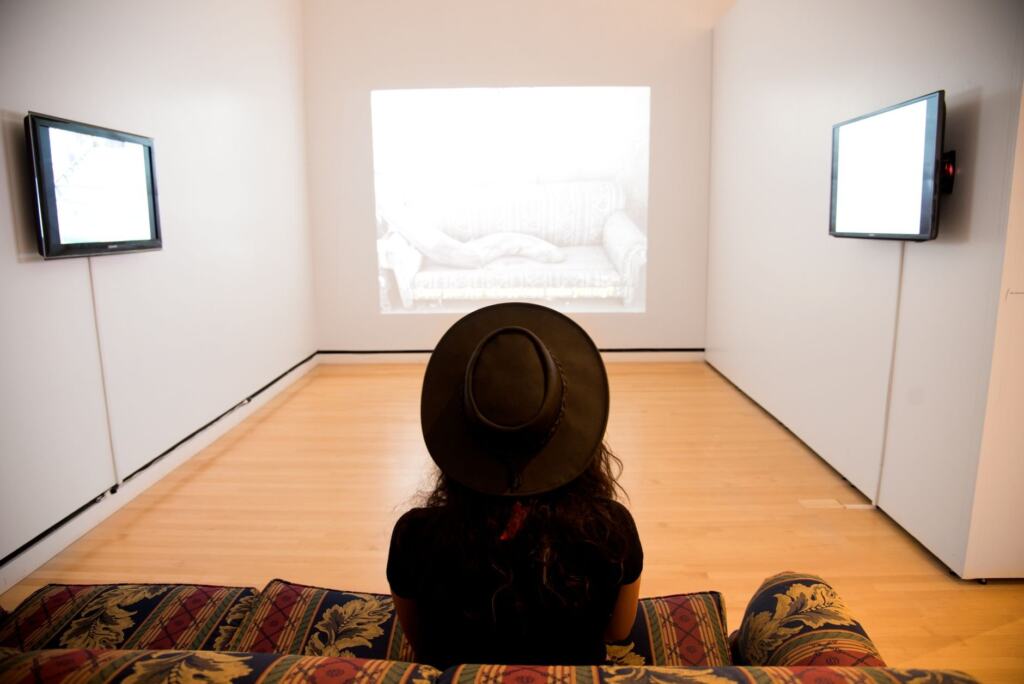
Anything that is not a simple rectangle needs geometry correction in software, so a sculpture or shelf takes longer to align than a wall. AV Alliance adds that an unusual size or non-standard aspect ratio may need multiple projectors with edge blending. That is a reason to choose a surface your single projector can cover, rather than a wall that is oddly proportioned.
Dark objects lose more light to the surface, as noted above, so favour paler objects for early projects.
Outdoors and house fronts
For exteriors, wait for lower light. Lightform advises avoiding bright daylight or direct sun and projecting in the early evening or at night. Utsubo lists no weather rating among the limits of an ordinary projector, so keep the unit under cover rather than leaving it exposed.
Software: from free tools to Resolume Arena
Mapping software is what makes the image fit the surface. AV Alliance says projection mapping requires specific software to make the projected imagery match the target surface in size and shape. A media player alone will only produce a rectangle.
Free options exist, and they differ a lot. LM3X says free tools vary widely, with some simple enough for beginners and others carrying advanced features for professionals. Choose a simple one for a first wall or object, and move up only when you hit a feature you need.
Resolume Arena is the paid step up worth knowing. Resolume’s training material describes projection mapping as basically digital tracing, and says input mapping makes it easy to set up a show on architectural structures. Utsubo adds that edge blending in Resolume is only in Arena, not Avenue. Pay for Arena only if you need to blend projectors together. A single projector on one wall does not require it.
Workflow from surface scan to playback
A low-cost home workflow runs from choosing a surface to a clean playback test, and it works best in that order.
- Choose and clear the surface. Pick a flat wall or a pale object, and darken the room as far as you can.
- Place the projector. Use the throw ratio to decide where it sits, and use optical lens shift if you have it rather than keystone correction.
- Trace the shape in software. Treat the work as digital tracing: outline the surface in your mapping tool so the image fills only the shape you want. For buildings or structures, input mapping can speed this up.
- Add content. Load video or animation, and check that dark areas of the artwork are not lost against a dark surface.
- Test playback end to end. Run the show from the laptop or media player you will use on the night, so any signal or cable fault appears before guests do.
Keep the projector mount secure and cables out of walkways. Note your settings once the alignment is right so the show can be repeated.
Related ways to build immersive visuals
Projection mapping sits alongside other ways of making digital imagery physical. If you are curious how fully virtual spaces differ, What Is the Metaverse? A Clear 2026 Guide To Virtual Worlds, How They Work, And Why They Matter – Viarama explains the idea. For a different way to float moving imagery in a room, 3D Hologram Fans: How They Work, Best Uses, And Buying Guide (2026) – Viarama covers the hardware.
Frequently asked questions
What does lumens mean on a projector?
Lumens measure the total amount of visible light from a source, and projectors are rated in ANSI lumens, according to Lightform. A higher rating means a brighter image, which matters most in rooms that cannot be darkened.
Is projection mapping difficult for a beginner?
Resolume describes projection mapping as not hard, basically digital tracing. A flat wall is the gentlest start, because complex shapes need extra geometry correction.
Will content cost more than the projector?
It can. Utsubo says content and labour frequently exceed hardware in professional projects, with content creation at 15–40% of budget and labour at 15–25% of equipment-only quotes. At home, much of that cost becomes your own time.
Can I run a show outdoors?
Yes, in lower light. Lightform recommends early evening or night rather than bright daylight, and Utsubo notes ordinary projectors have no weather rating, so shelter the unit.