What is a virtual reality headset and how does it work in 2026? A virtual reality headset creates a simulated visual and audio environment for the user. The headset places screens close to the eyes and uses lenses to make images feel three-dimensional. It tracks head and hand motion to update the view. This guide explains key parts, the main headset types, common uses, and what to check before you buy.
Key Takeaways
- A virtual reality headset creates an immersive 3D visual and audio experience by combining separate images for each eye and matching spatial sounds.
- VR headsets come in three main types: tethered for high-quality graphics, standalone for convenience with built-in computing, and mobile using smartphones for budget options.
- Inside-out tracking offers easier setup and movement freedom by using cameras on the headset, while outside-in tracking provides higher precision through external sensors.
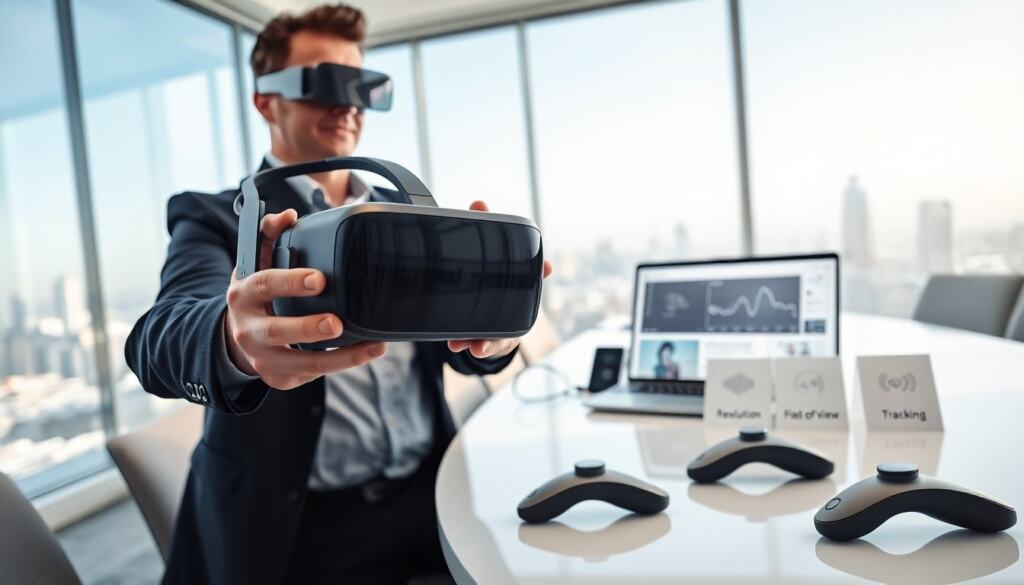
- Key factors to consider before buying a VR headset include resolution, field of view, tracking accuracy, comfort, battery life, and the availability of apps and games.
- Virtual reality headsets are widely used today for gaming, training simulations, 3D design, fitness, and virtual meetings, with new mixed reality features enhancing real-world integration.
How a VR Headset Works
A virtual reality headset converts digital data into immersive sights and sounds. The device sends separate images to each eye. The brain combines those images and perceives depth. The headset also plays spatial audio that matches visual cues. The result feels like presence inside a scene.
Core Components: Displays, Lenses, And Optics
A virtual reality headset uses displays, lenses, and optics to form the image. The display shows pixels for the left and right eye. The lenses bend light so the screens appear far away. Optics adjust focus and reduce blur. Higher resolution and faster refresh rates make motion look smooth and reduce motion sickness. Many headsets now use OLED or fast LCD panels.
Beyond panels and lenses, modern headsets include adjustable interpupillary distance (IPD) mechanisms and software lens correction to help match the optics to different users’ eyes. Manufacturers also tune color calibration and contrast to improve depth cues and reduce eye strain. Advances in microdisplays and optics have pushed image clarity and reduced the “screen-door” effect that was common in earlier models.
Sensors And Tracking: Inside-Out Vs Outside-In
A virtual reality headset tracks motion with sensors. Inside-out tracking uses cameras on the headset to watch the room and controllers. Outside-in tracking uses external base stations or cameras that monitor markers on the headset and controllers. Inside-out setups simplify setup and allow more freedom. Outside-in tracking can offer higher precision for room-scale experiences. Both types use accelerometers and gyroscopes to measure rotation and acceleration.
In practice, tracking systems also incorporate magnetometers, depth sensors, and machine-learning-based visual tracking to recover when occlusion occurs. Hand-tracking and controller tracking differ in latency and precision: optical hand-tracking is convenient for casual interactions, while dedicated controllers with haptic feedback remain preferable for fast-paced games and professional tools where precise input is required.
Types Of VR Headsets And How They Differ
A virtual reality headset comes in three main forms: tethered, standalone, and mobile.
Tethered, Standalone, And Mobile Headsets
A tethered virtual reality headset connects to a PC or console by a cable. Tethered headsets deliver the highest graphics quality.
A standalone virtual reality headset runs games and apps inside the headset. Standalone models use mobile chips and internal storage. They trade raw power for convenience. Many standalone systems support optional wireless PC streaming so you can run higher-end applications without a cable.
A mobile virtual reality headset holds a phone as the display. Mobile headsets now sit at the low end of performance. Buyers choose based on price, performance, and mobility.
Other distinctions to consider: some headsets emphasize mixed reality features with outward-facing cameras and passthrough displays to blend virtual and real objects; some prioritize light weight and comfort for long sessions; others are built for enterprise use with replaceable face pads, extended warranties, and management tools for fleets of devices.
What You Can Do With A VR Headset Today
A virtual reality headset supports games, training, design, and social apps. Players use the headset for first-person games and escape rooms. Professionals use the headset for 3D design and architecture review. Trainers use the headset for skills practice in simulation. People use the headset for fitness and guided workouts. Groups meet in virtual spaces to watch media or hold meetings. New apps add mixed reality features that blend virtual objects with the real room.
Beyond entertainment, a virtual reality headset is used in healthcare for exposure therapy, pain distraction, and clinician training. In industry, VR is used for assembly planning, remote inspections, and collaborative design reviews where teams view a 3D model together. Educators use virtual field trips and interactive lessons to make abstract concepts tangible. Creators use VR tools for sculpting, animation, and spatial audio production that are difficult to replicate on flat screens.
Everyday users will find experiences ranging from short social meetups and passive 360-degree videos to long-form productivity sessions using virtual desktops and multiple virtual displays. The ecosystem now includes specialized apps for meditation, accessibility options for seated users, and tools that combine real-world controllers with virtual overlays for mixed-reality workflows.
Buying Considerations: What To Look For In 2026
A buyer should compare resolution, field of view, tracking, comfort, and content library. Resolution affects image clarity. A wider field of view increases immersion. Tracking type affects accuracy and setup time. Comfort matters for long sessions, so check weight and strap design. Battery life matters for standalone headsets. Check controller quality and hand-tracking options. Also check the available apps and games and whether the headset supports fitness and productivity titles. Price and ecosystem determine long-term value. Finally, read recent reviews for software updates and support.
When evaluating what is a virtual reality headset for your needs, consider these practical tips:
- Try before you buy when possible to assess comfort, IPD fit, and motion sickness susceptibility.
- Check platform compatibility — some headsets work only with a particular storefront or service, which affects content availability and future updates.
- Think about accessories: better earbuds or over-ear headphones, prescription lens inserts, upgraded straps, and external trackers can improve the experience.
- For mixed-reality use, verify passthrough quality and whether spatial anchors or object occlusion are supported for realistic interactions.
- For enterprise use, evaluate management tools, security features, and the vendor’s update and support policy.
In short, ask yourself how you plan to use the headset, how much setup you’re willing to tolerate, and whether you prefer peak graphical fidelity or the freedom of a wireless, standalone device. Understanding what is a virtual reality headset in practical terms — its strengths, limitations, and typical use cases — will help you pick the right model in 2026.